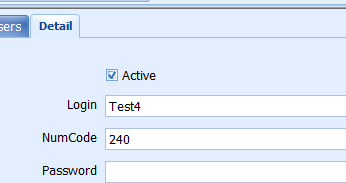
Users can be added and edited through the User interface.
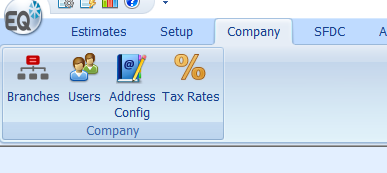
This is located under the Company ribbon menu.
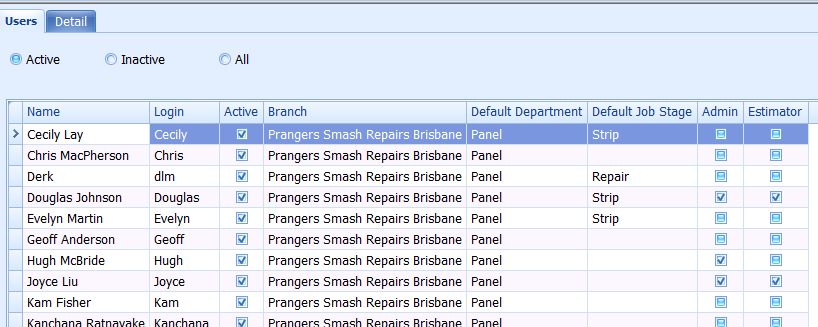
A list of existing users is displayed
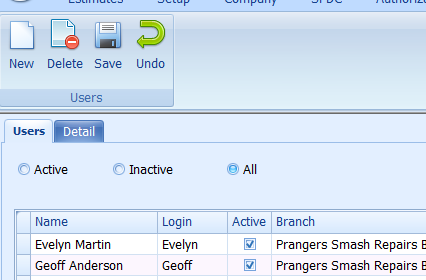
Create a New User
Click on the New icon to open a blank form
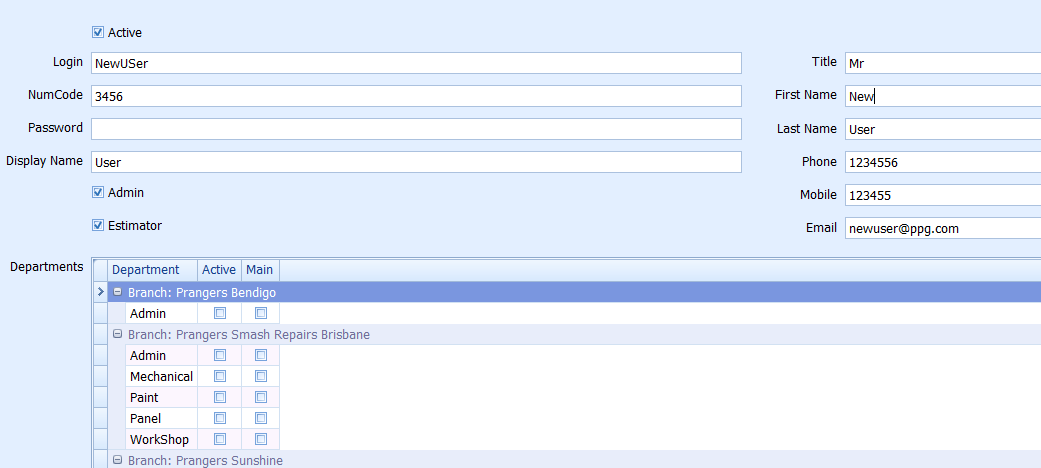
Complete the details of the new user.
Login: Users login name
NumCode: Used for EQ Photos and SFDC login only
Password: User's login password for EQ
Display Name: User's name as displayed in EQ and EQ Photos, and SFDC
Admin: If user has Admin rights
Estimator: If user is an Estimator
Once complete, save and exit
Edit an Existing User
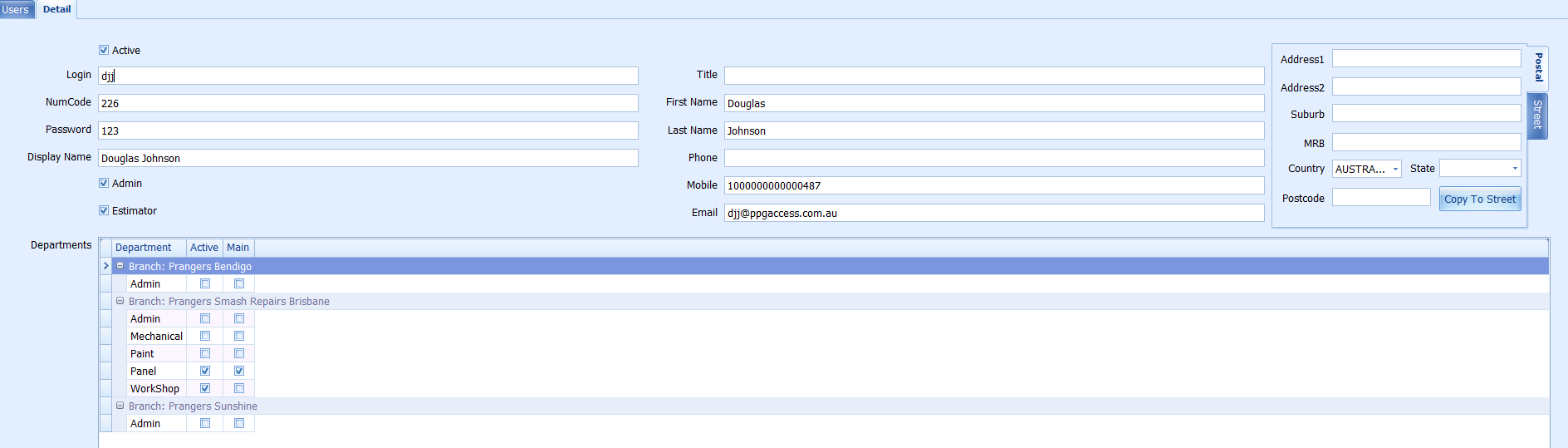
FInd the user to be edited in the list, double click on the user or move to the Details tab
Modify the details as required.
Save and exit
Deleting a User
Users aren't actually deleted but set to Inactive.
To remove a user's login rights, simply take the check out of Active in the top left corner of the User Details.
To see Inactive Users, select the Inactive button on the User list