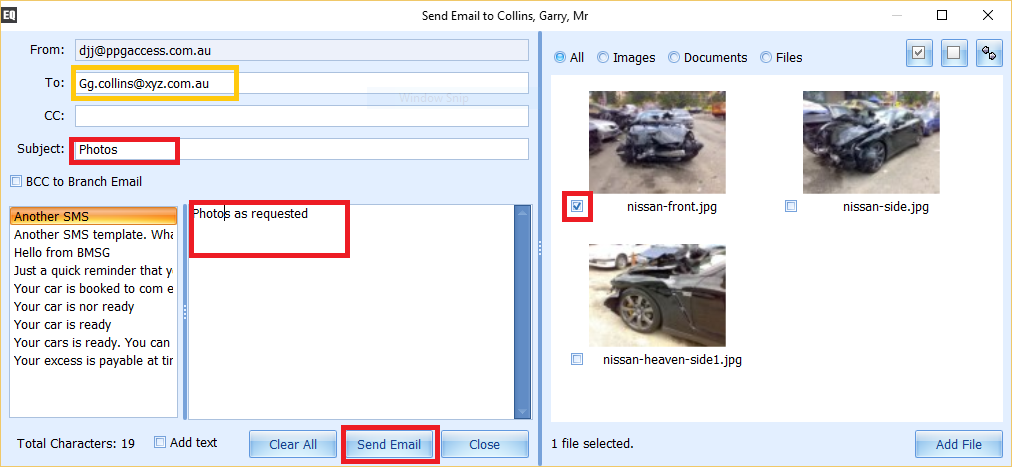
You may wish to email images or documents from a case to customer or an Assessor (or another person).
Emailing an Image or Document from a case.
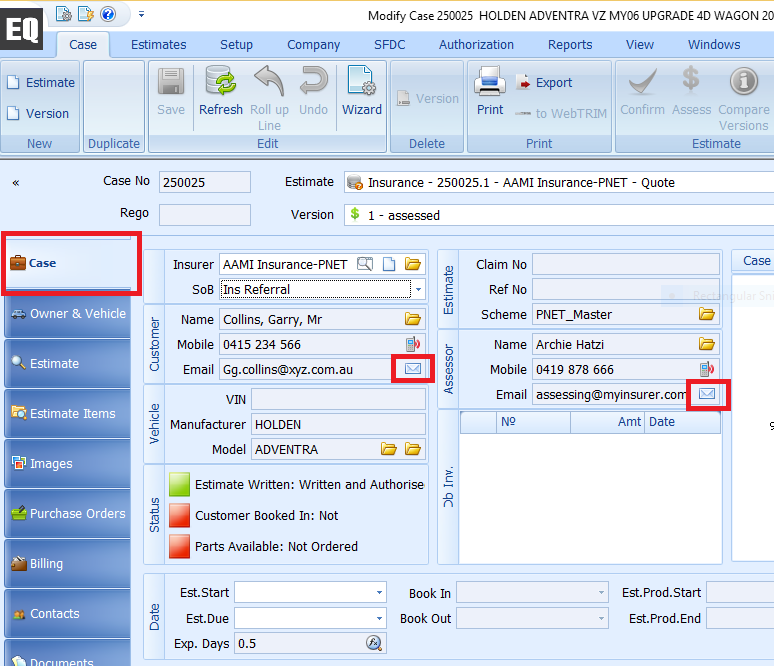
- navigate to Case Tab in EQ
- Click on email icon next to either Customer or Assessors Email address.
- Email window will open
- Select images or documents you wish to send
- Optionally add a subject and text to the email
- Click Send Email Button
- if you wish to send to someone other than the Owner or Assessor, deleted email address and manually enter in email address yuo wish to use.