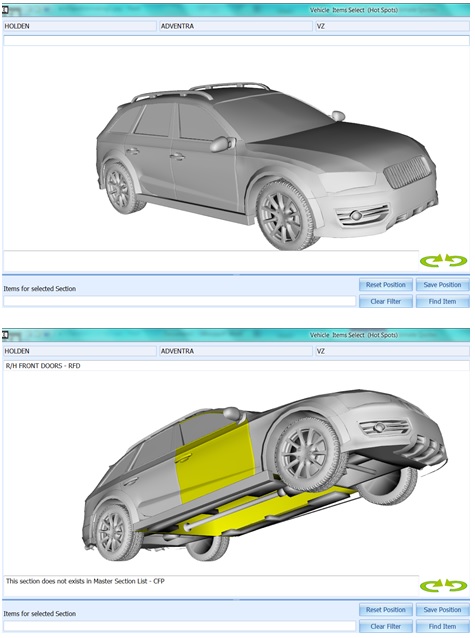
The 3D images of vehicles can be manipulated to move the model around so that all areas of the model can be viewed and selected.
To move the image around, click and drag the mouse or use the controls.
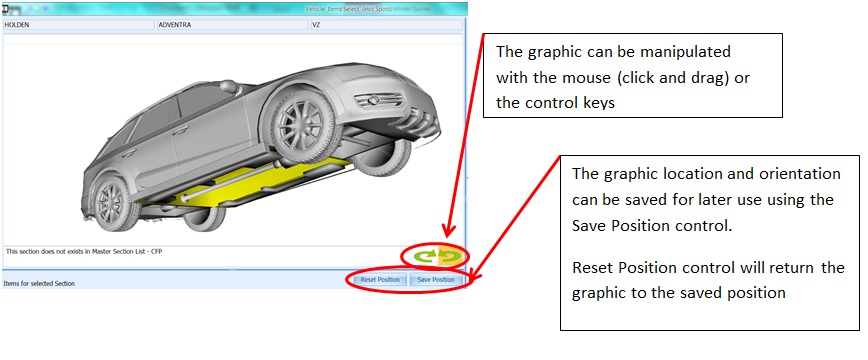
The model can be saved to a desired position by using the Save Position control.
Clicking the Reset Position control will return the model to the Saved Position.
click video link below to view